n8n Workflow Automation Mastery
n8n Workflow Mastery
Complete breakdown of our automated infrastructure and integration logic optimized for Bangladeshi businesses.
Workflow Visualization & Stages
Our production n8n workflows are divided into five logical stages to ensure maximum uptime, data integrity, and error handling.
Webhook Trigger
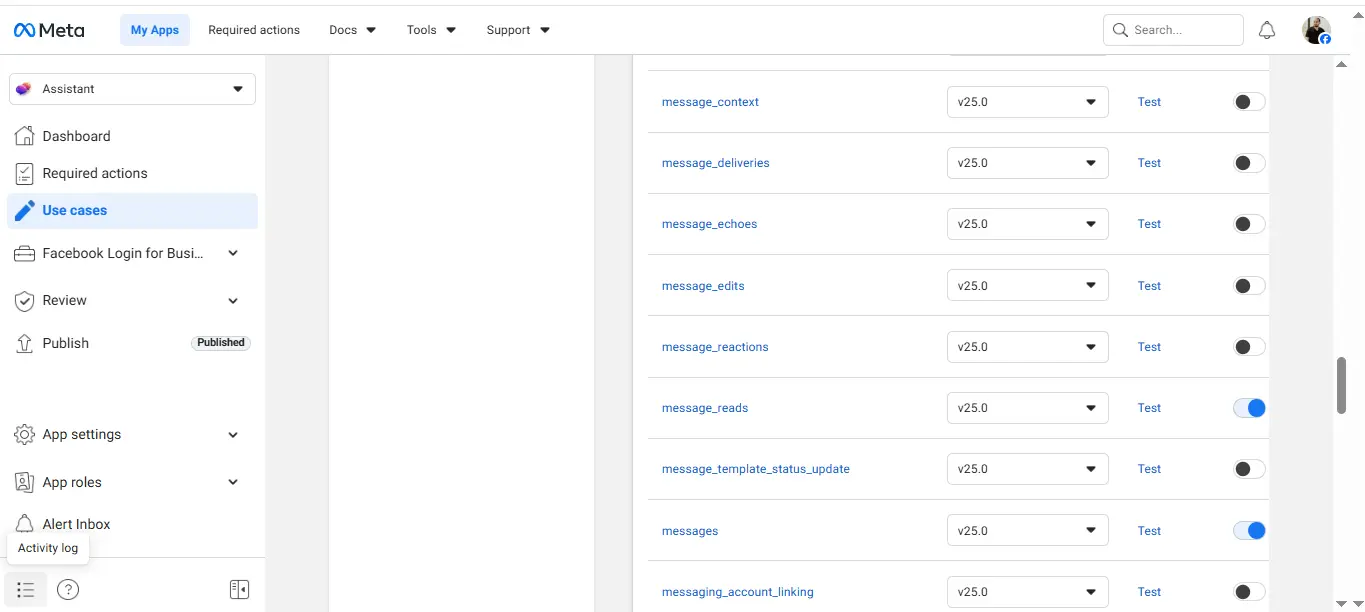
Captures real-time data payloads from external sources via secure hooks.
Data Parsing
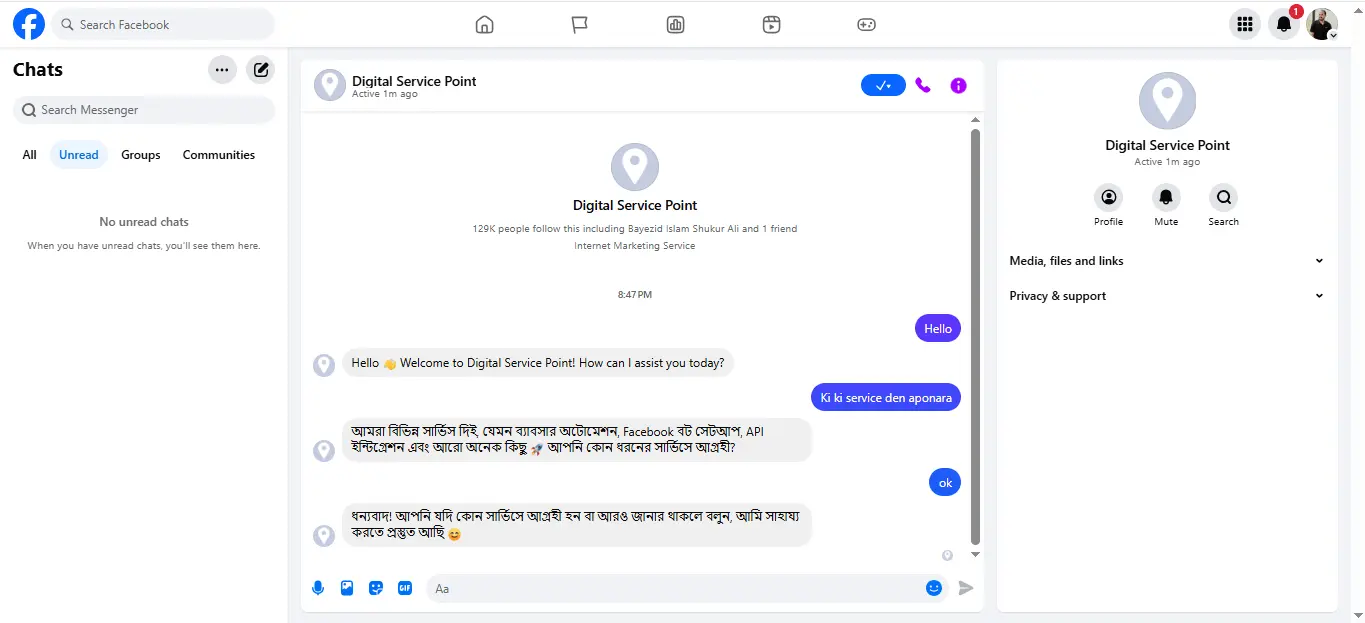
Cleans and structures incoming JSON payloads for downstream nodes.
Logic Filter
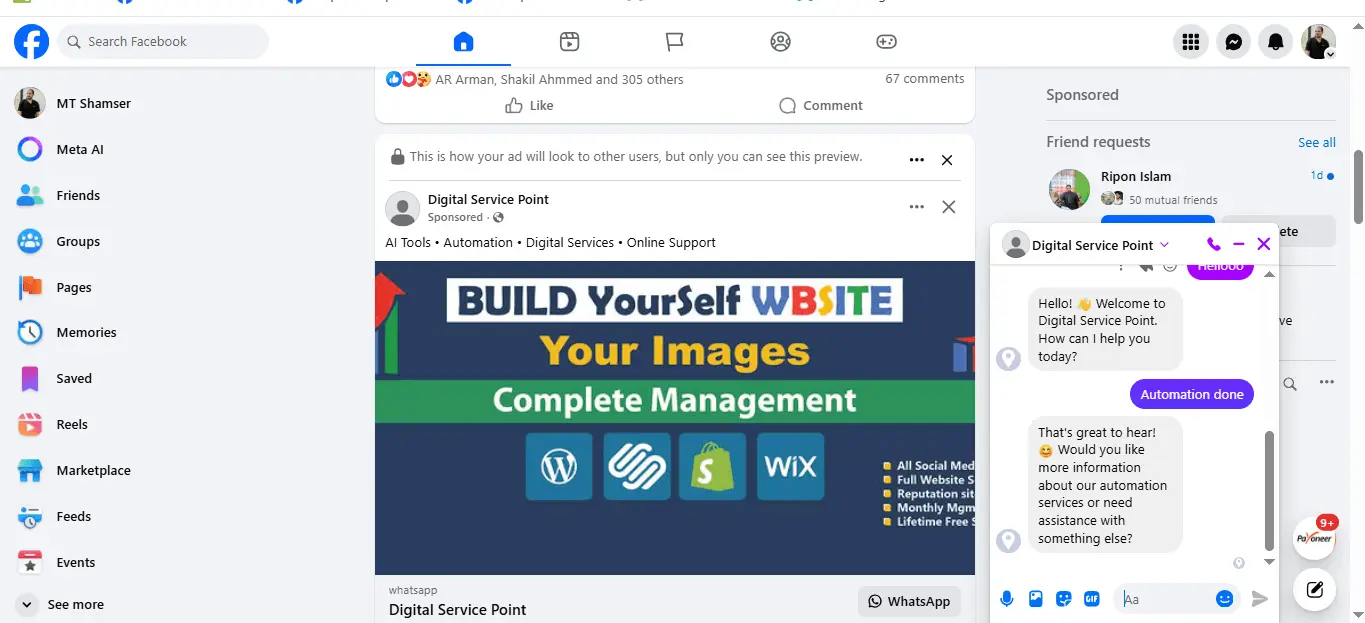
Evaluates complex business conditions for smart data routing.
API Integration
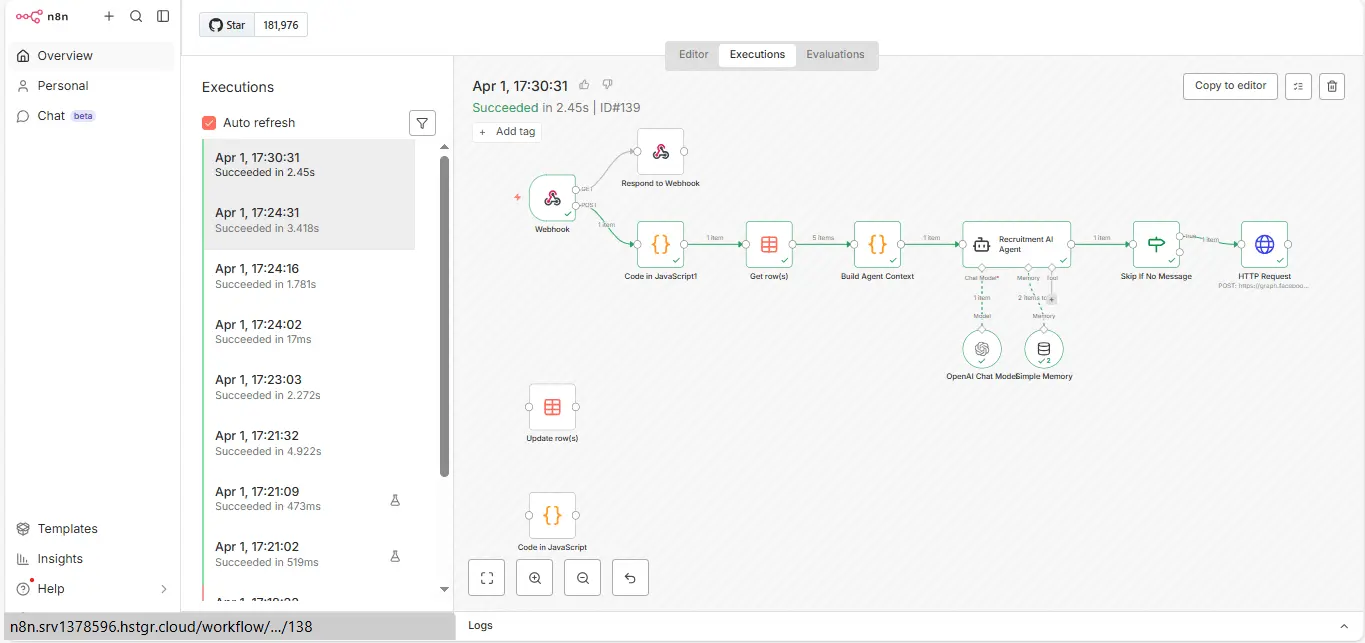
Syncs processed data with Mautic CRM and Cloud storage via secure APIs.
Final Output
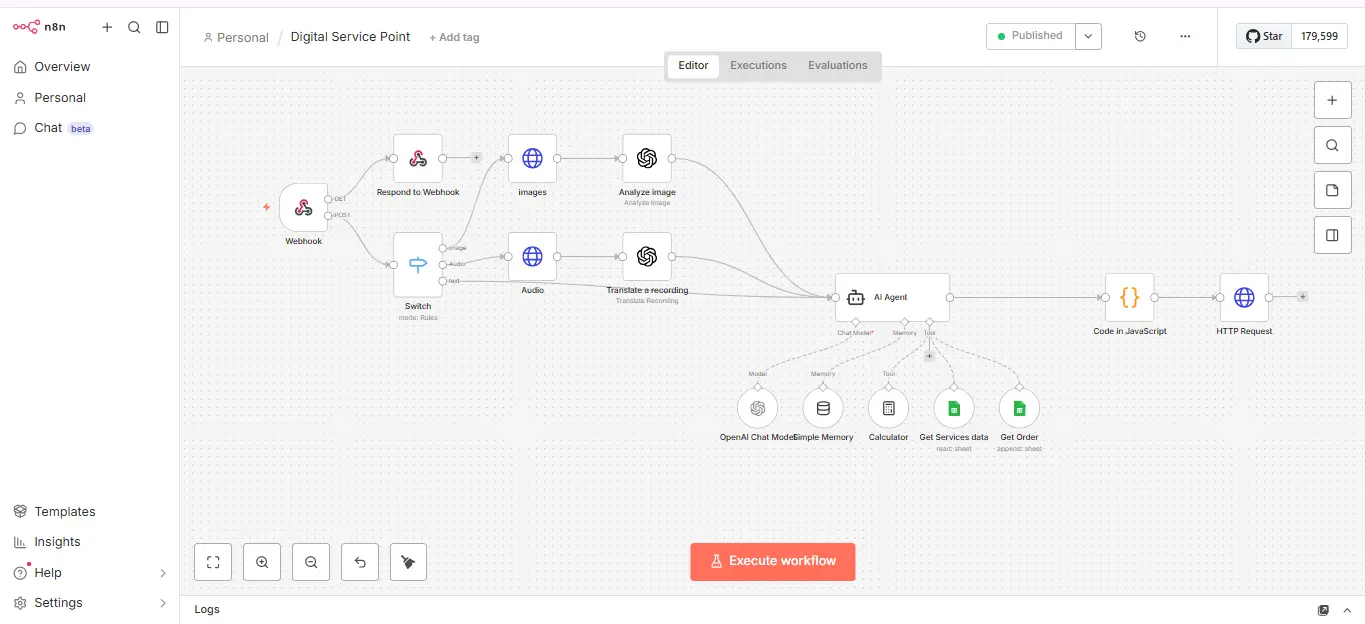
Confirms success and logs the execution for infrastructure monitoring.
Technical Deployment Guide
Download Workflow JSON
Import our production-tested logic directly into your local instance.
Download n8n.jsonOptimized Stack Requirements
- n8n Version: 1.x+ (Docker Recommended)
- Memory: 2GB RAM (Contabo VPS Optimized)
- Database: External PostgreSQL for scaling
Why Self-Host n8n in Bangladesh?
Local businesses often face high latency and ballooning international subscription costs. Hosting your automation hub on a local VPS infrastructure provides:
- Data Sovereignty: Keep 100% control of customer data locally.
- Cost Efficiency: Avoid per-execution fees with a flat server cost.
- Low Latency: Achieve < 50ms response times for local API hooks.
Video Guide & Walkthrough
Watch our step-by-step video guide to see this n8n workflow in action. We cover everything from initial setup on a Contabo VPS to final API integration.
What you'll learn:
- Setting up the Webhook URL: Securely routing data.
- Configuring Variables: Managing production environments.
- Debugging: Fixing common node and timeout errors.
Frequently Asked Questions
How do I import this n8n workflow?
To use this, download the n8n.json file. In your dashboard, select Workflows > Import from File. You will need to re-link your own API credentials to the nodes.
Is this compatible with Contabo VPS?
Yes. These workflows are specifically optimized for self-hosted environments using Docker on VPS providers like Contabo or DigitalOcean.
Are my API keys included in the JSON?
No. Exported n8n JSON files contain only logic and structure. Your sensitive credentials and API keys are never included in the download.
Build Your Automation Empire
Ready to deploy specialized infrastructure? Connect with our team today.
Contact on WhatsApp